

Free 7-minute workout timer
Pick a preset or your own intervals and this page counts down work and rest in your browser, free, with no account and no upload.
Work 5–300 seconds, rest 0–300 seconds, rounds 1–50.
Ready
00:10
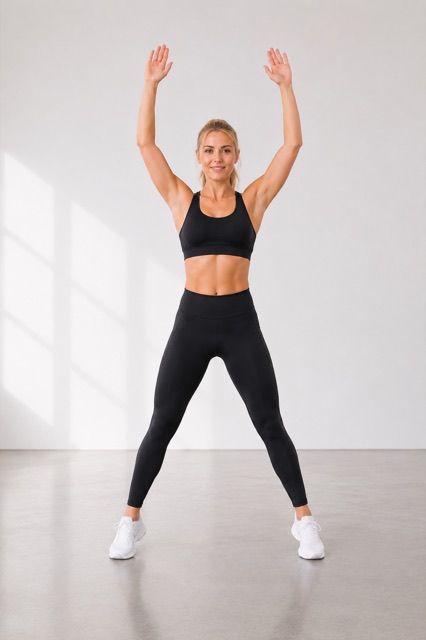
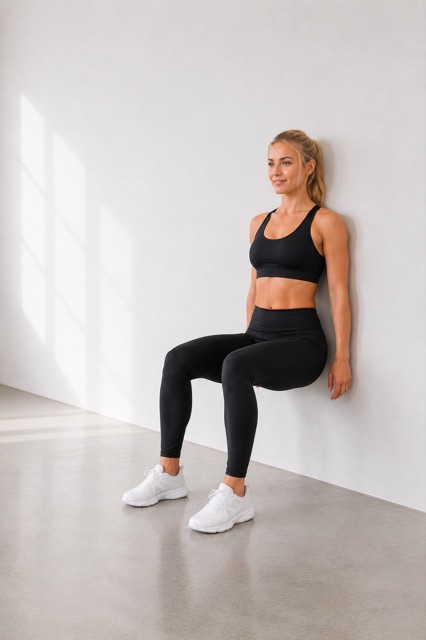
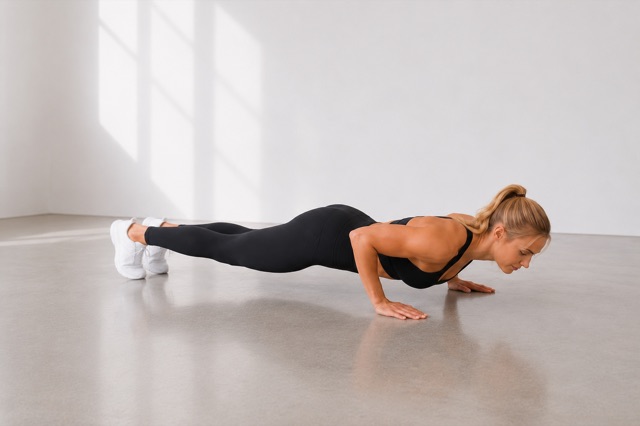
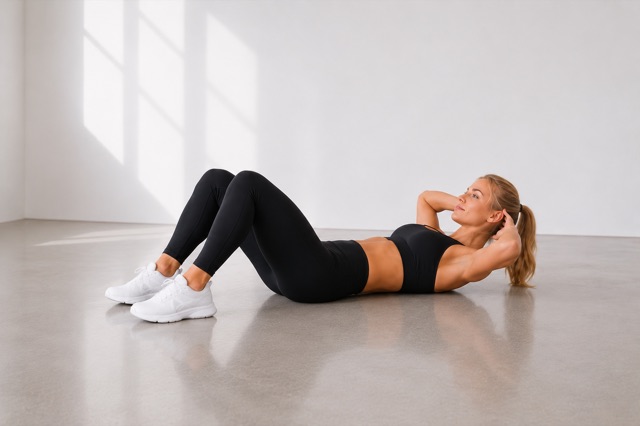
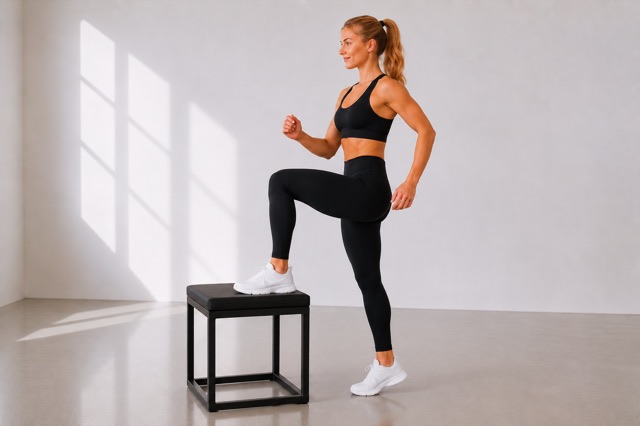
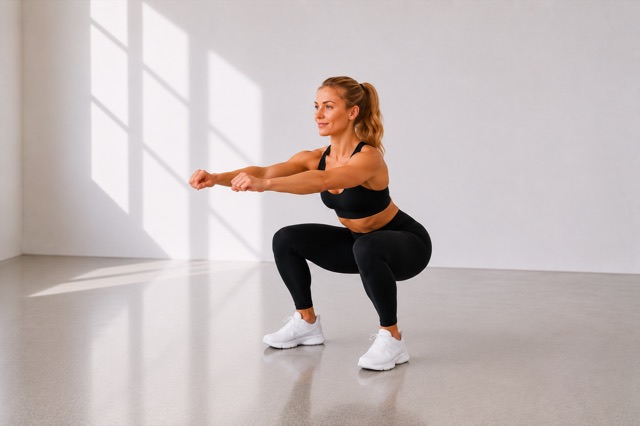
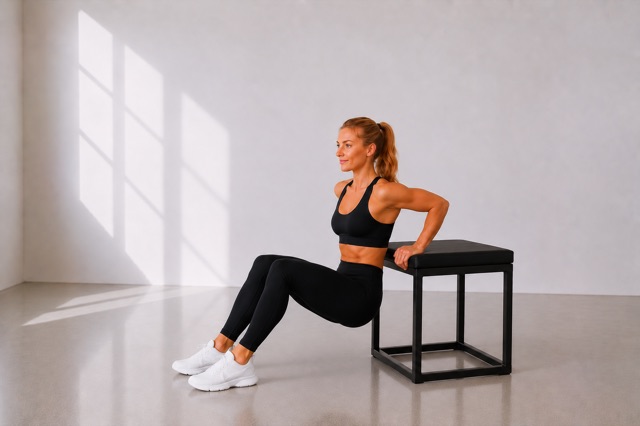
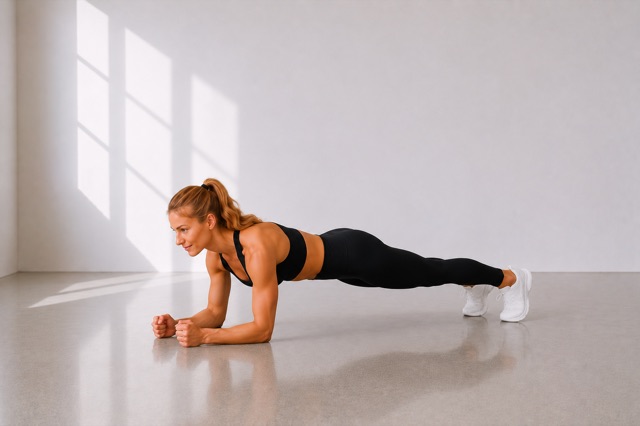
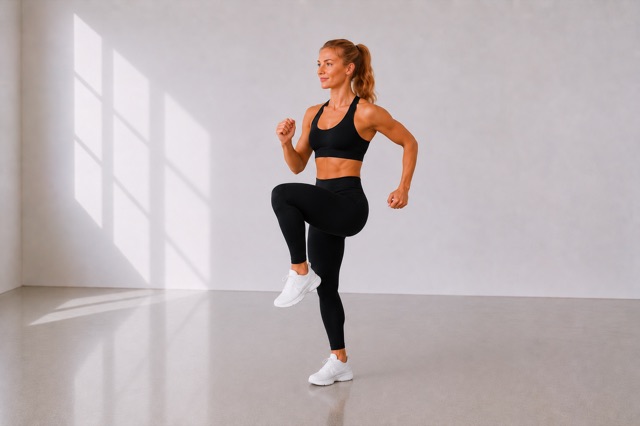
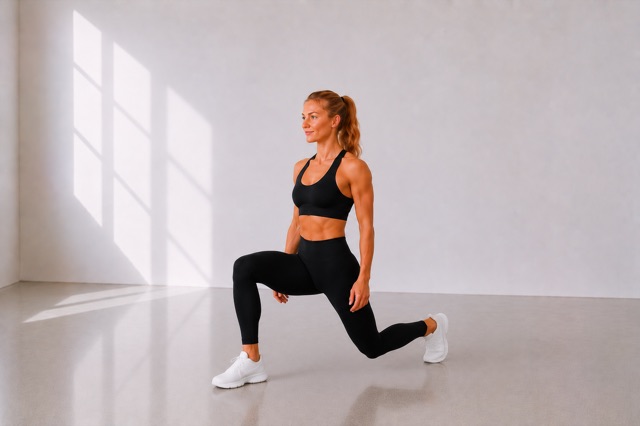
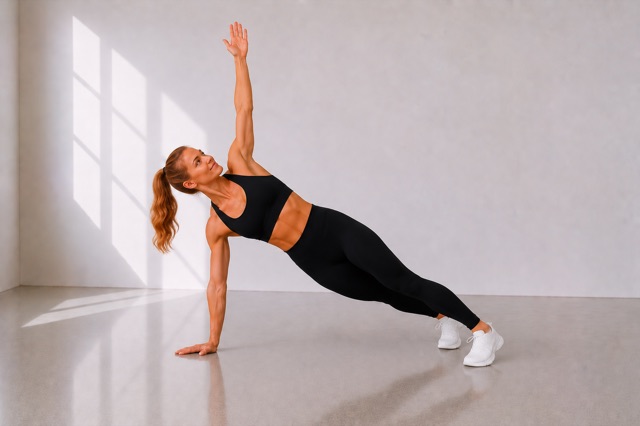
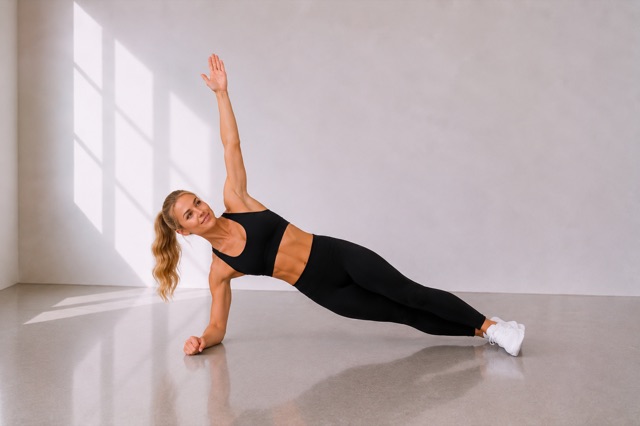
Jumping jacks
Next: Wall sit
Space starts or pauses.
This browser cannot keep the screen awake. The countdown may stall if the phone locks.
Browsers may throttle or stop timers when the phone screen locks. On iPhone, the 7min Challenge app keeps the screen awake during a workout, announces each change with voice cues and can show the countdown in a picture-in-picture window while you use other apps.
How to use the timer
- Choose a preset, or Custom: work 5–300 seconds, rest 0–300, rounds 1–50.
- Get ready is a 10-second countdown before the first interval. Sound stays on until you turn it off.
- Press Start, or Space when you are not typing. The large clock is the current interval. Under it: the round (for example 3 / 12), time left in the session, and a bar for this interval.
- Pause freezes the clock. Resume continues. Skip interval jumps one phase. Reset returns to the start.
- On classic, the name and photo follow the exercise, and the next line shows what follows. The other presets are clocks only.
Which preset for what
The totals below leave out the optional 10-second get-ready countdown, and they leave out rest after the last work interval. The classic circuit is 12 × 30 seconds of work plus 11 × 10 seconds of rest: 470 seconds, or 7:50, not 8:00. Leave get-ready checked and the session clock adds those 10 seconds, which makes 8:00.
| Preset | Work / rest | Rounds | Total |
|---|---|---|---|
| 7-minute classic | 30 s / 10 s | 12 exercises | 7:50 (470 s) |
| Tabata 20/10 | 20 s / 10 s | 8 | 3:50 (230 s) |
| HIIT 40/20 | 40 s / 20 s | 8 | 7:40 (460 s) |
| HIIT 30/30 | 30 s / 30 s | 10 | 9:30 (570 s) |
Custom uses the same rule: rounds × work, plus rest only between rounds. Rest of 0 runs the work bouts back to back. Classic shows each exercise. Tabata repeats one move you know. 40/20 gives a longer effort and a longer breather. 30/30 matches work and rest.
Where these clocks come from
The classic preset follows the bodyweight circuit Brett Klika and Chris Jordan described in 2013 in ACSM’s Health & Fitness Journal: 12 exercises of 30 seconds, with 10 seconds to change station, ordered so the work moves around the body. This timer uses the same order as the classic workout in 7min Challenge. A few stations need a sturdy chair and a clear wall. The article is a programming guide, not a trial of this list.
The Tabata preset copies the clock from Izumi Tabata and colleagues, 1996, in Medicine & Science in Sports & Exercise: eight rounds of 20 seconds of work and 10 seconds of rest. There are seven rests, because the session ends on the last work bout, which makes 3:50. Those efforts were very hard and done on a cycle ergometer, so squats or jumping jacks on the same clock are a different workout.
Gibala and colleagues reviewed low-volume high-intensity interval training in The Journal of Physiology in 2012. Much of that research uses cycling or running. It is not a test of this timer, and it is not evidence for the 40/20 or 30/30 presets.
40/20 and 30/30 are common interval formats, not protocols tied to a named study here. HIIT vs Tabata vs HICT explains the labels.
Safety
Warm up for a few easy minutes and ease off if your form slips. Stop for pain, dizziness or chest pain, and get medical help for chest pain. Talk to a doctor before hard intervals if you have a heart condition, high blood pressure or joint problems, if you are pregnant, or if you have not exercised for a long time. This clock is general information, not personal medical advice, and it promises no change in fitness, weight or health.
FAQ
Is this timer free?
Yes. It runs in your browser at no charge. There is no account, and the page does not send your workout anywhere.
Does it work offline or with a locked screen?
After the page has loaded, the timer does not need a connection. Browsers may throttle or stop timers when the phone screen locks. On iPhone, the 7min Challenge app keeps the screen awake during a workout, announces each change with voice cues and can show the countdown in a picture-in-picture window while you use other apps.
Why does the timer beep?
A short beep marks each of the last three seconds of an interval. Work starts with a higher tone, rest with a lower tone, and the end of the session with three tones. You can turn sound off. On phones that support it, a brief vibration can also mark a phase change.
Can I set my own intervals?
Yes. Choose Custom and enter work from 5 to 300 seconds, rest from 0 to 300 seconds, and 1 to 50 rounds. Rest after the last work interval is left out. This browser can remember your last settings on this device only.
Is 7 minutes enough?
One short session is a start, not a full training week. What a 7-minute circuit can and cannot do is covered in Does the 7-minute workout work?
Sources
- Klika B, Jordan C. High-Intensity Circuit Training Using Body Weight: Maximum Results With Minimal Investment. ACSM’s Health & Fitness Journal. 2013;17(3):8–13.
- Tabata I, Nishimura K, Kouzaki M, et al. Effects of moderate-intensity endurance and high-intensity intermittent training on anaerobic capacity and VO2max. Medicine & Science in Sports & Exercise. 1996;28(10):1327–1330.
- Gibala MJ, Little JP, MacDonald MJ, Hawley JA. Physiological adaptations to low-volume, high-intensity interval training in health and disease. The Journal of Physiology. 2012;590(5):1077–1084.